Layland · Download
Your download has started.
Layland.dmg is coming from GitHub, where the releases live. If nothing happened, or Safari asked whether to allow it and you said no, download it again. Installing takes a minute, and all of it is below.
Install Layland
The disk image opens on a window with two things in it, the app and your Applications folder, and the install is moving one onto the other. Everything after that is the first launch.
-
Open the disk image
Layland.dmg is in your Downloads folder, or in the browser's own list of downloads. Double-click it.
-
Drag Layland onto Applications
Drop the app onto the folder in the same window. That's the whole install. You can eject the disk image and delete the DMG afterward; the app is in Applications now.
-
Open it from Applications
Layland is signed and notarized by Apple, so macOS only asks whether you're sure about opening an app downloaded from the internet. You are.
-
Scan something
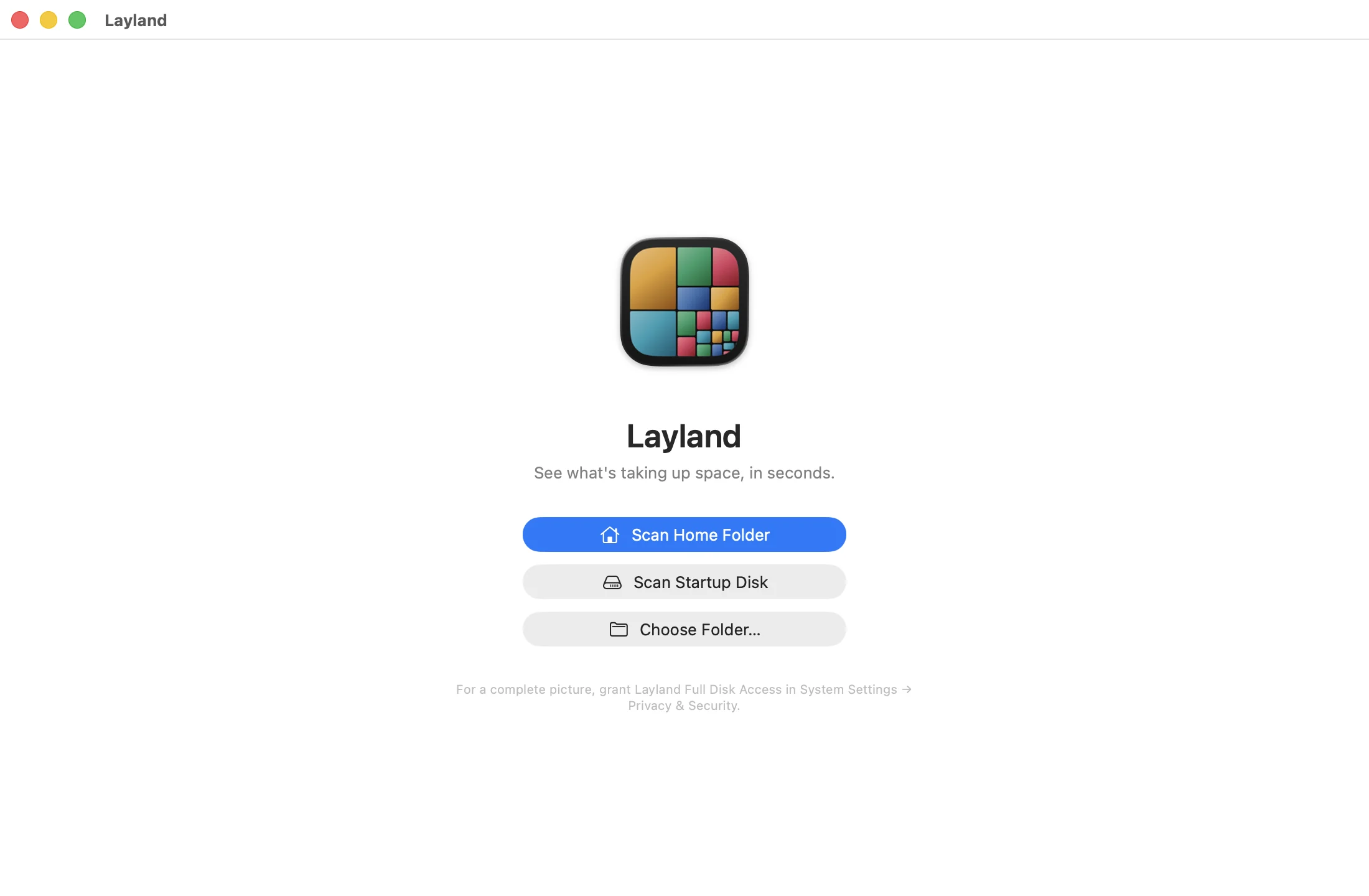
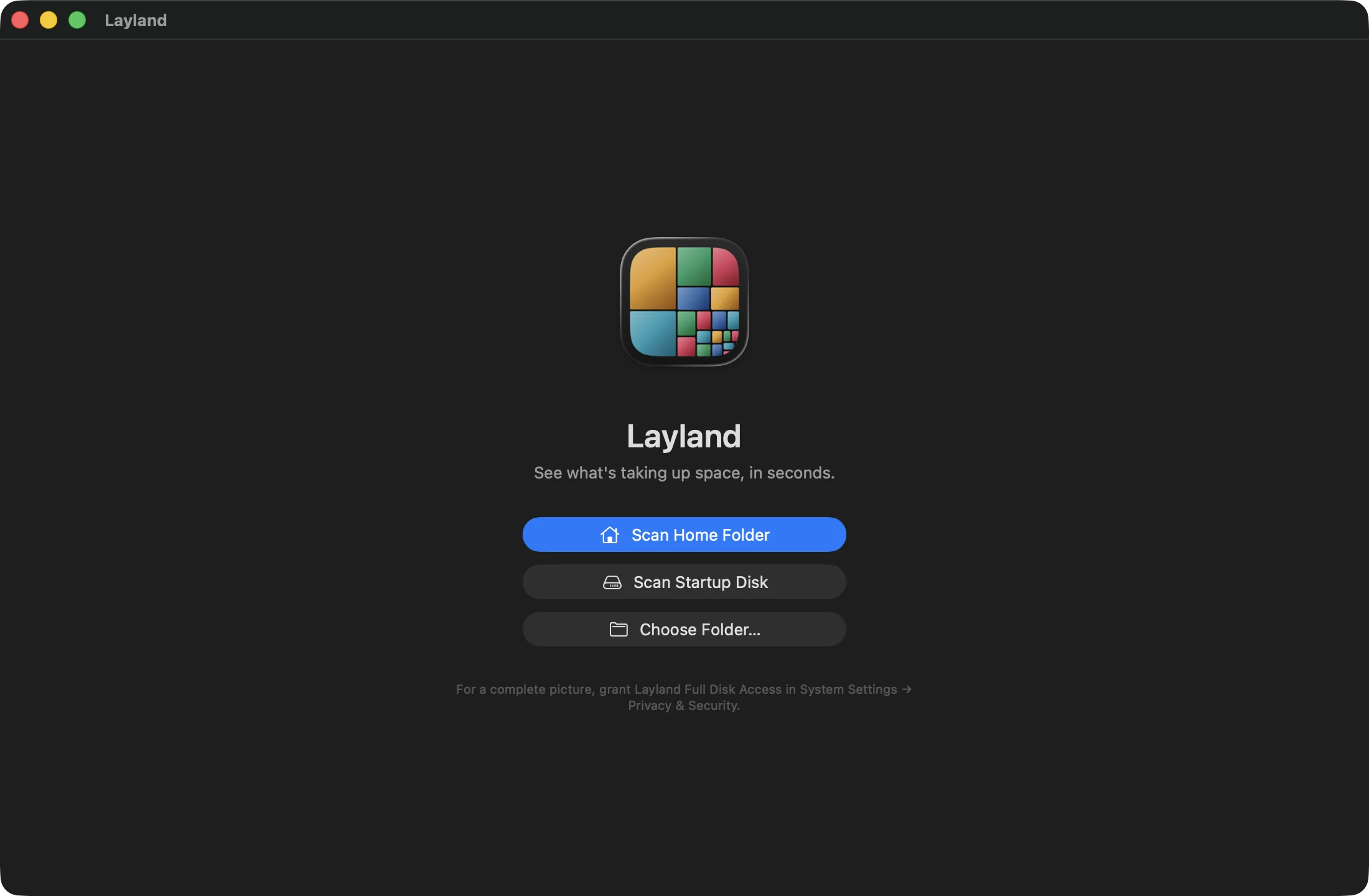
The first window offers your home folder, the whole startup disk, or any folder you choose. macOS asks before Layland reads Desktop, Documents and Downloads; say yes to include them. A home folder takes seconds.
-
Optional: give it Full Disk Access
Without it, macOS hides parts of
~/Libraryand other apps' data, which is often where the space went. Open System Settings ▸ Privacy & Security ▸ Full Disk Access, turn on Layland, and scan again. After a scan, Layland says how many folders it couldn't read.
What to expect
- Free, for as long as you like. The free version is not a timed trial. It scans anything, draws the whole map with every size, and names the folders near the top. A license, $9.99 once, adds every name at every depth, Quick Look, Reveal in Finder and Move to Trash on every item, search, and saved scans. Buy it now or whenever you like.
- macOS 15 Sequoia or later, on Apple silicon or Intel.
- Nothing about your files leaves the Mac. The only requests the app makes are a check of your license key once you enter one, and, if you agree when it asks on the second launch, a daily check for updates. The privacy policy has the details.